Home / Library Apps and Ebooks (Libby and OverDrive)
Library Apps and Ebooks (Libby and OverDrive)
How to borrow ebooks and audiobooks free with Libby and OverDrive, get a library card, and fix common app problems.
- Are Ebooks or Physical Books Better?
Are ebooks or physical books better? Research and reading experience point to a purpose match: print for study, e-ink for travel and fiction, and your phone for neither.
- Best Children's Books on Kindle Unlimited
The best children's books on Kindle Unlimited, banded by age from first chapter books to middle grade, with the borrow limit and availability checks parents need to know.
- Best E-Reader to Use With the Libby App
The best e-readers to use with the Libby app, ranked by how your library books actually reach the device, including the audiobook and Kindle limits most roundups hide.
- Best Toddler Books on Kindle Unlimited
Toddler books actually available on Kindle Unlimited: short, sturdy picture books for ages one to three, including two classics and gentle stories about helpers, hearing aids, and brave days.
- How the Libby App Works
How the Libby app works behind the screen: your library buys digital copies, sets the lending rules, and Libby enforces them, which explains wait lists, expiring loans, and different catalogs.
- How to Use the Libby App Offline
How to use the Libby app offline: set your download rules, confirm each loan is really on your device, and know what stops working the moment you disconnect.
- How to Use the Libby App on Kindle
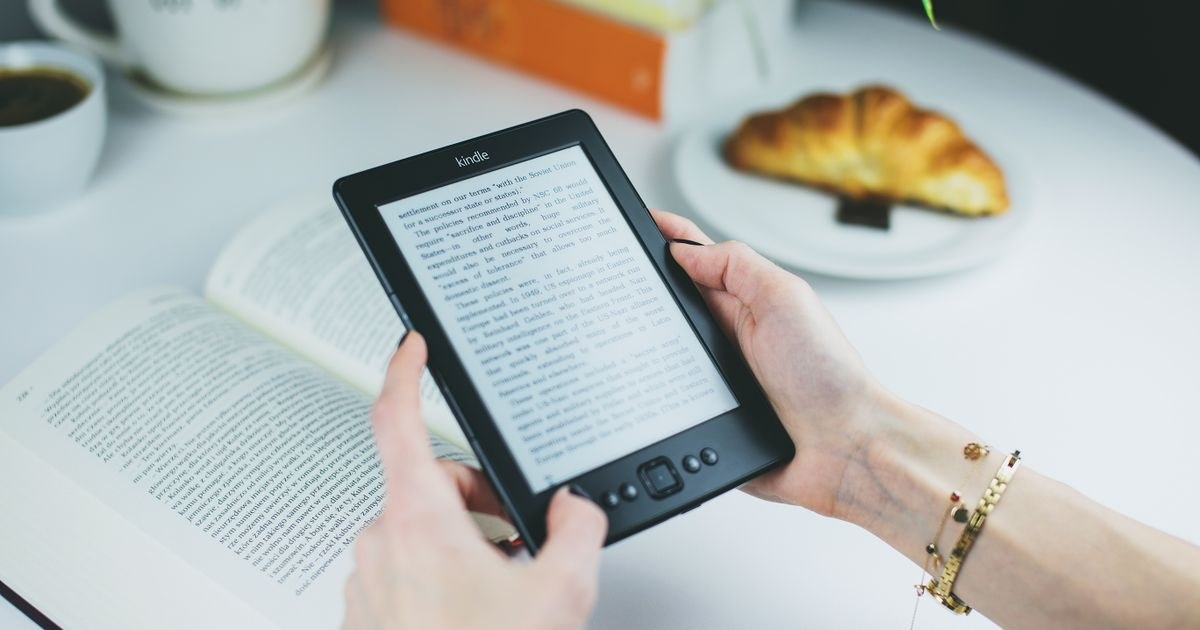
How to borrow free library ebooks with the Libby app and send them to your Kindle, step by step, including holds, returns, and common fixes.
- How to Use the Libby App on Kobo
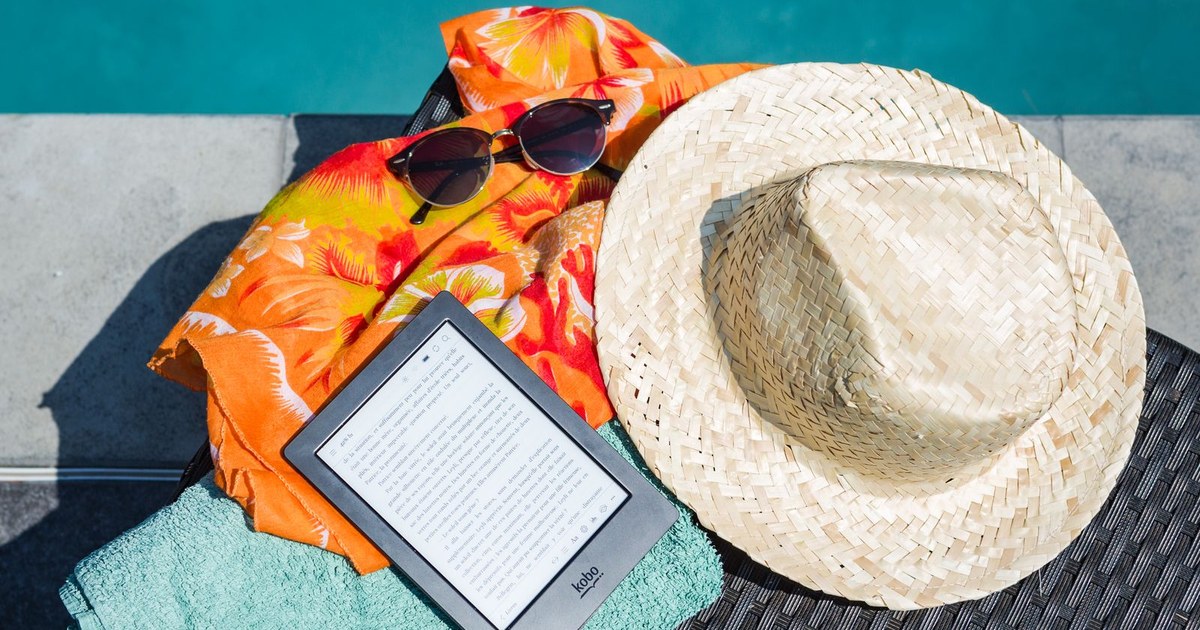
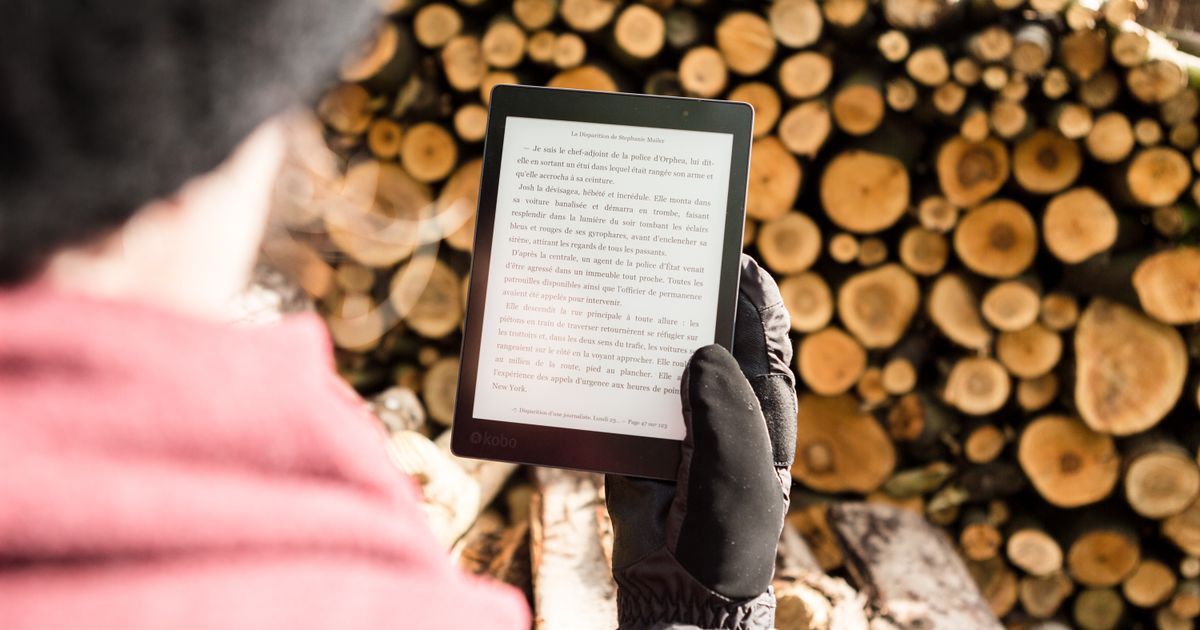
Kobo eReaders have OverDrive built in, so library borrowing works differently from Kindle: sign in on the device, borrow on the device or in Libby and sync, with the audiobook and compatibility limits explained.
- How to Use the Libby App Without a Library Card
You cannot borrow from Libby without a library card, but you can browse for free, and many libraries issue an instant digital card inside the sign-up flow. Here is the honest step-by-step.
- How to Use the Libby App: The Complete Beginner's Guide
How to use the Libby app on your phone or tablet, step by step: install it, add your library card, borrow ebooks and audiobooks, manage holds, read and listen in the app, and fix common problems.